Application Features
This document outlines the key technical features of the application, including collaborative editing, image handling, and offline capabilities.
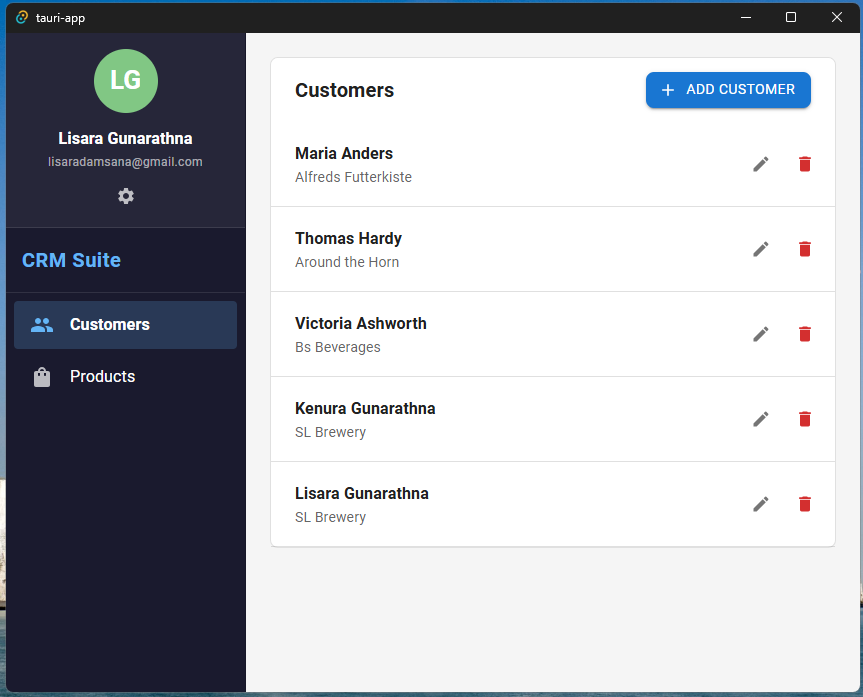
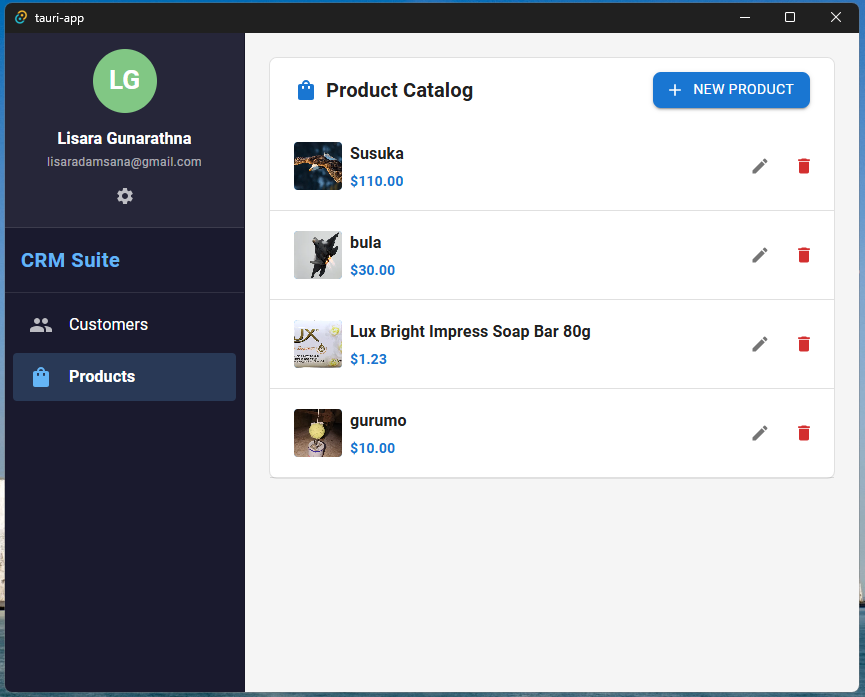
Collaborative Editing
The application leverages Lexical combined with Yjs and WebSockets to provide a real-time collaborative editing experience.
Architecture
- Frontend: React (Tauri) with
CollaborativeLexicalEditor. - Backend: Cloudflare Worker with Durable Objects.
- Protocol: Yjs sync protocol over WebSockets.
Interface
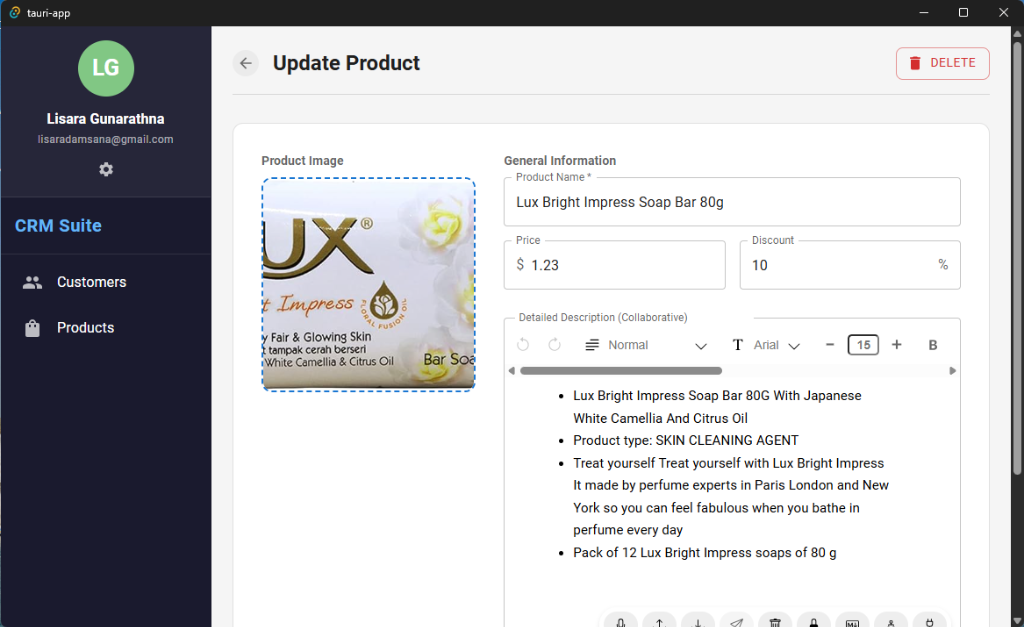
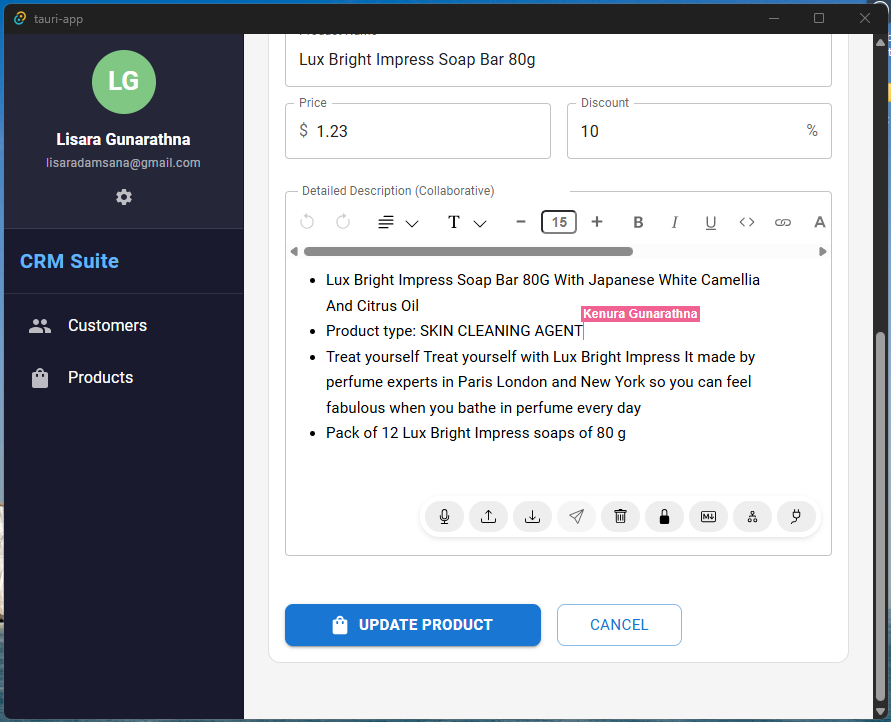 Real-time editor showing user presence
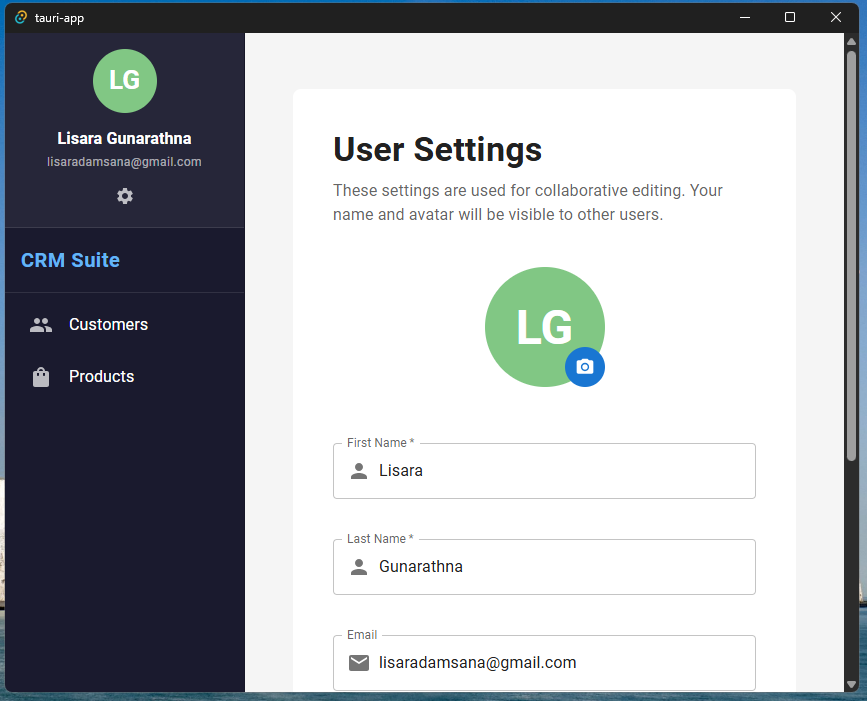 User profile settings for collaboration
Collaboration Flow
Key Components
CollaborativeLexicalEditor.tsx: Wrapper initializing the Lexical composer with collaboration context.OfficialEditor.tsx: Main editor component registering plugins.SyncRoom.ts(Backend): Durable Object managing the room state and connections.
Image Compression & Handling
To ensure performance and reduce storage costs, all images uploaded via the application (Product create/update or Rich Text Editor) are automatically compressed client-side before being sent to the server.
Compression Pipeline
We use the browser-image-compression library.
Configuration:
- Max Width: 1200px
- Max Size: 1MB
- Quality: 0.8 (JPEG)
 Automatic image compression on upload
Upload Flow
Offline Capabilities
The application uses WatermelonDB for local-first data persistence.
- Local DB: SQLite (via Tauri plugin) running on the user's device.
- Sync: Replicates data to/from the Cloudflare D1 backend via tRPC.
- Optimistic UI: Changes are applied locally immediately and synced in the background.